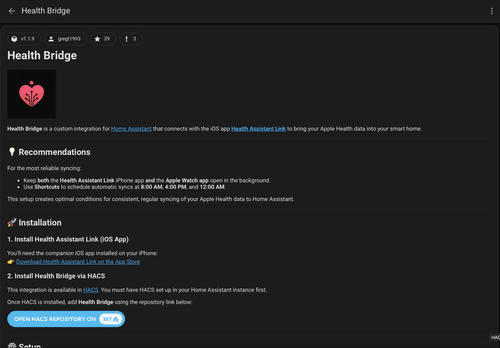
Install the Home Assistant integration
Follow this link to download the integration through the Home Assistant Community Store (HACS).

Health Assistant Link connects Apple Health and Home Assistant, making it easy to use your health and fitness data in smart home automations.
Setup
Four short steps to get your Apple Health data in Home Assistant and start building Home Assistant health automations.
See how to get the best results →
Follow this link to download the integration through the Home Assistant Community Store (HACS).
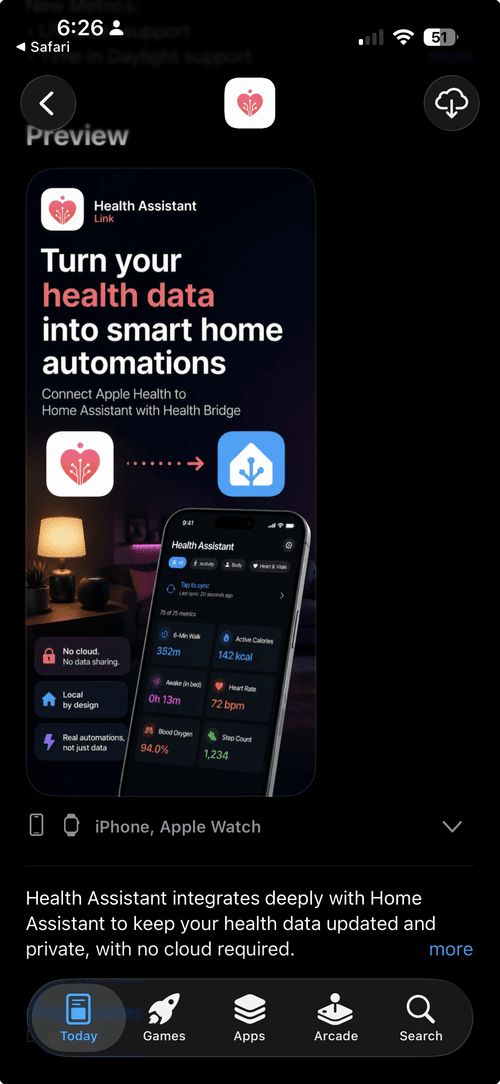
Follow this link to download the Health Assistant Link iOS and Apple Watch app.
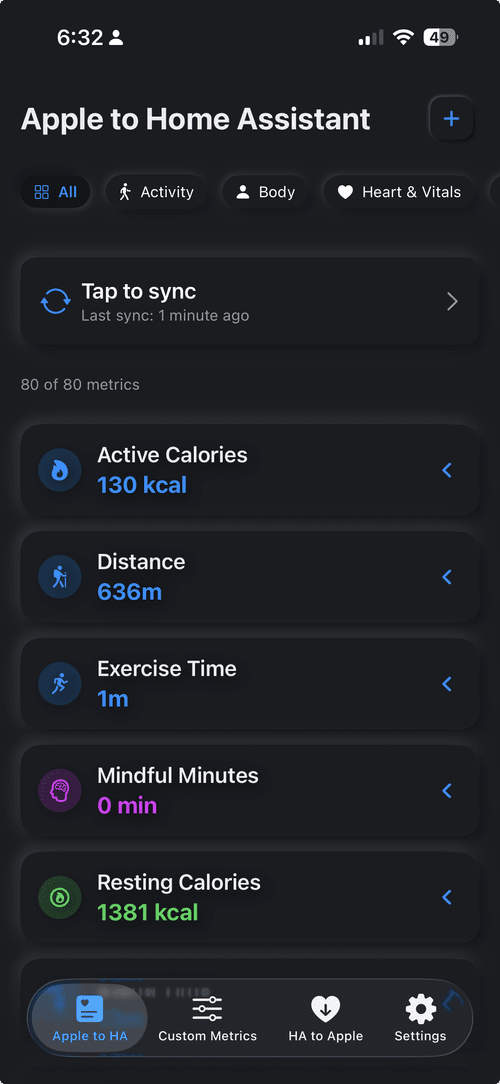
Follow the setup instructions to connect the app and link everything together.
Choose the metrics you want to sync, then use the new entities in dashboards and automations. For a quick start, copy one of the ready-made Dashboard tiles.